
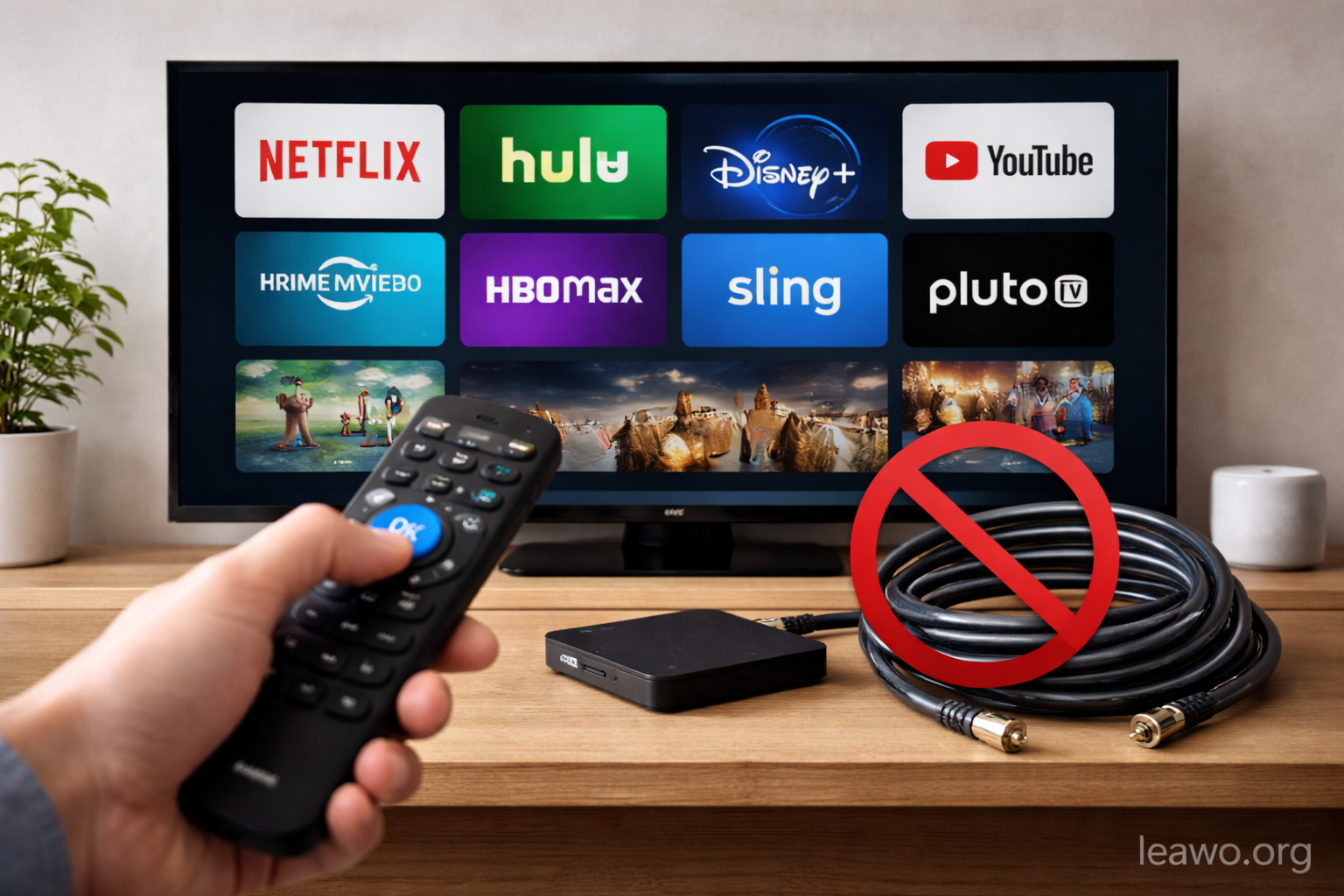
Cable TV is no longer the only way to watch your favorite shows. Many people are cutting the cord and finding better options. The rising cost of cable packages pushes viewers to explore new choices. Streaming services offer more control over what you watch. You can pick exactly what you want to pay for. This freedom makes cable alternatives more appealing than ever.
Traditional cable bundles force you to pay for channels you never watch. Modern alternatives let you customize your entertainment. You save money while getting the content you actually want. The shift away from cable is happening fast. More households are discovering these flexible options every day.
Article Outline:
- How to Build Your Own TV Setup
- IPTV as a Cable Alternative
- Device Compatibility and Viewing Flexibility
- How Much Can You Actually Save Without Cable
- Conclusion
1. How to Build Your Own TV Setup
Building your own TV setup is easier than you think. You just need to know your viewing habits. Different setups work for different people. Here are the main options to consider.
1.1. Live TV–Focused Setup (Sports & News)
Sports fans and news watchers need live TV. Services like YouTube TV and Hulu + Live TV work well. They stream channels in real time. You get ESPN, CNN, and local networks. These services cost less than cable. They offer cloud DVR features too.
Sling TV is another good choice. It has two base packages to pick from. You can add sports channels if needed. FuboTV focuses heavily on sports content. It carries most major sports networks. Live TV services give you the cable experience without the cable bill.
1.2. On-Demand Setup (Movies & Series)
On-demand viewers prefer flexibility. Netflix, Disney+, and HBO Max fit this group. You watch shows whenever you want. There are no commercials in most cases. You can pause and resume on any device.
Amazon Prime Video offers movies and original series. Apple TV+ has quality original content. Paramount+ includes CBS shows and movies. These services cost much less than cable. You can subscribe to multiple services and still save money. Pick the ones with shows you actually watch.
1.3. Budget-First Setup (Free & Ad-Supported)
Free services are perfect for budget-conscious viewers. Pluto TV offers over 250 channels at no cost. Tubi has thousands of movies and shows. The Roku Channel provides free content too. These services include ads to stay free.
Freevee from Amazon is another solid option. Xumo Play offers free live and on-demand content. You can build an entire setup without spending a dollar. The content library is surprisingly good. Free services prove you don’t need cable to stay entertained.
1.4. Local Channels & Streaming Hybrid
Local channels matter for news and network shows. An HD antenna picks up local broadcasts free. ABC, NBC, CBS, and FOX come in clearly. Combine the antenna with streaming services. This hybrid approach covers all your needs.
You get local news and sports for free. Add one or two streaming services for other content. This combination costs very little. It provides excellent value for most viewers. The hybrid setup is one of the smartest cable alternatives.
2. IPTV as a Cable Alternative — What You Should Know
IPTV stands for Internet Protocol Television. It delivers TV content through your internet connection. This differs from traditional cable or satellite. IPTV uses your broadband connection instead.
Many IPTV providers offer channel packages. They include live TV, sports, and international content. Some IPTV services are legitimate streaming platforms. Others operate in gray areas. Always research providers carefully before signing up.
IPTV apps and players are widely available. VLC Media Player can handle IPTV streams. Dedicated apps like IPTV Smarters work on various devices. You need a stable internet connection. Faster speeds mean better picture quality.
How IPTV Differs from Other Alternatives:
IPTV mimics the cable experience more closely. You get channel guides and live programming. Traditional streaming focuses on on-demand content. IPTV often includes international channels. This appeals to viewers wanting content from other countries.
Pros of IPTV:
- Access to many channels
- Often cheaper than cable
- International content available
- Works on multiple devices
Cons of IPTV:
- Quality depends on internet speed
- Some providers lack reliability
- Legal concerns with certain services
- Technical setup may confuse beginners
Choose legitimate IPTV services to avoid problems. Check reviews and research thoroughly. IPTV can be a great cable alternative when done right.
3. Device Compatibility and Viewing Flexibility
Modern cable alternatives work on many devices. You can watch on smart TVs, smartphones, and tablets. Streaming sticks like Roku and Fire TV are popular. Gaming consoles also support streaming apps.
Most services offer apps for iOS and Android. You can start watching on your phone. Then continue on your TV later. This flexibility is a major advantage. Cable never offered this kind of freedom.
Download features add even more flexibility. Many services let you save content offline. Netflix and Disney+ allow downloads. Amazon Prime Video does too. You can watch during flights or commutes.
However, some platforms have offline playback limits. These restrictions can be frustrating. Some shows expire after a certain time. Download limits vary by service.
CleverGet offers a solution to these limitations. It downloads videos from streaming platforms. You can save content permanently. This tool provides true ownership of your downloaded content.
Device compatibility makes streaming convenient. You’re not tied to one TV anymore. Watch anywhere you have internet access. This freedom transforms how you consume entertainment.
4. How Much Can You Actually Save Without Cable?
The average cable bill costs around $100 per month. Some packages exceed $150 monthly. That’s $1,200 to $1,800 per year. Cable alternatives cost much less.
A basic streaming service costs $7 to $15 monthly. Even with three services, you spend less than $50. That’s half the cost of cable. Annual savings reach $600 or more.
Live TV streaming services cost $40 to $80 monthly. This still beats most cable packages. You avoid equipment rental fees. No installation charges either. Hidden fees disappear when you cut the cord.
Free options save you even more. An HD antenna costs $20 to $50 once. Free streaming services cost nothing monthly. This setup can save you over $1,000 yearly.
Your actual savings depend on your choices. A budget setup saves the most money. Premium streaming packages cost more but still beat cable. Calculate your current cable costs. Then compare to your ideal streaming setup.
Most people save at least $500 per year. Many save over $1,000 annually. These savings add up over time. You can use the money for other priorities.
5. Conclusion
Cable alternatives offer better value and flexibility. You control what you watch and what you pay. Building your own TV setup is simple. Match the setup to your viewing habits.
Live TV services work for sports and news fans. On-demand platforms suit binge-watchers. Free services help budget-conscious viewers. IPTV provides a cable-like experience. Each option has clear benefits.
Device compatibility gives you freedom. Watch on any screen you own. Download features let you watch offline. Tools help overcome platform limitations.
The savings are real and significant. Most households save hundreds per year. Some save over a thousand dollars. These cable alternatives deliver better value.
Try a cable alternative that matches your needs. Start with one service and expand if needed. You’ll likely never miss traditional cable. The future of TV viewing is here. It’s more affordable and more flexible than ever before.
